XIAOYA GROUP / EQUIPMENT SUPPORT

HOCl generator
troubleshooting.

Start with what you observe. Find the useful details for a more focused conversation with Xiaoya.

Find your symptom
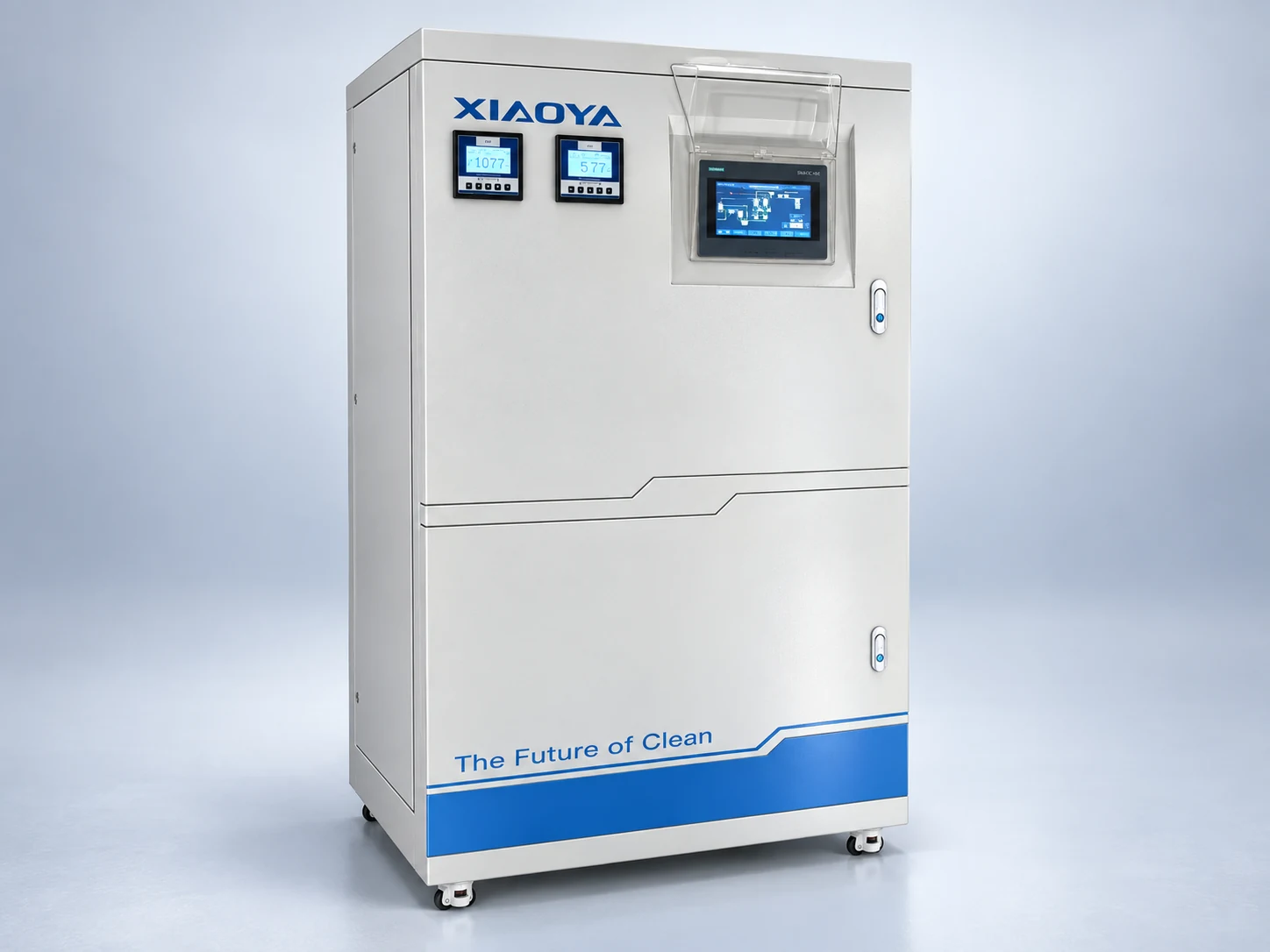
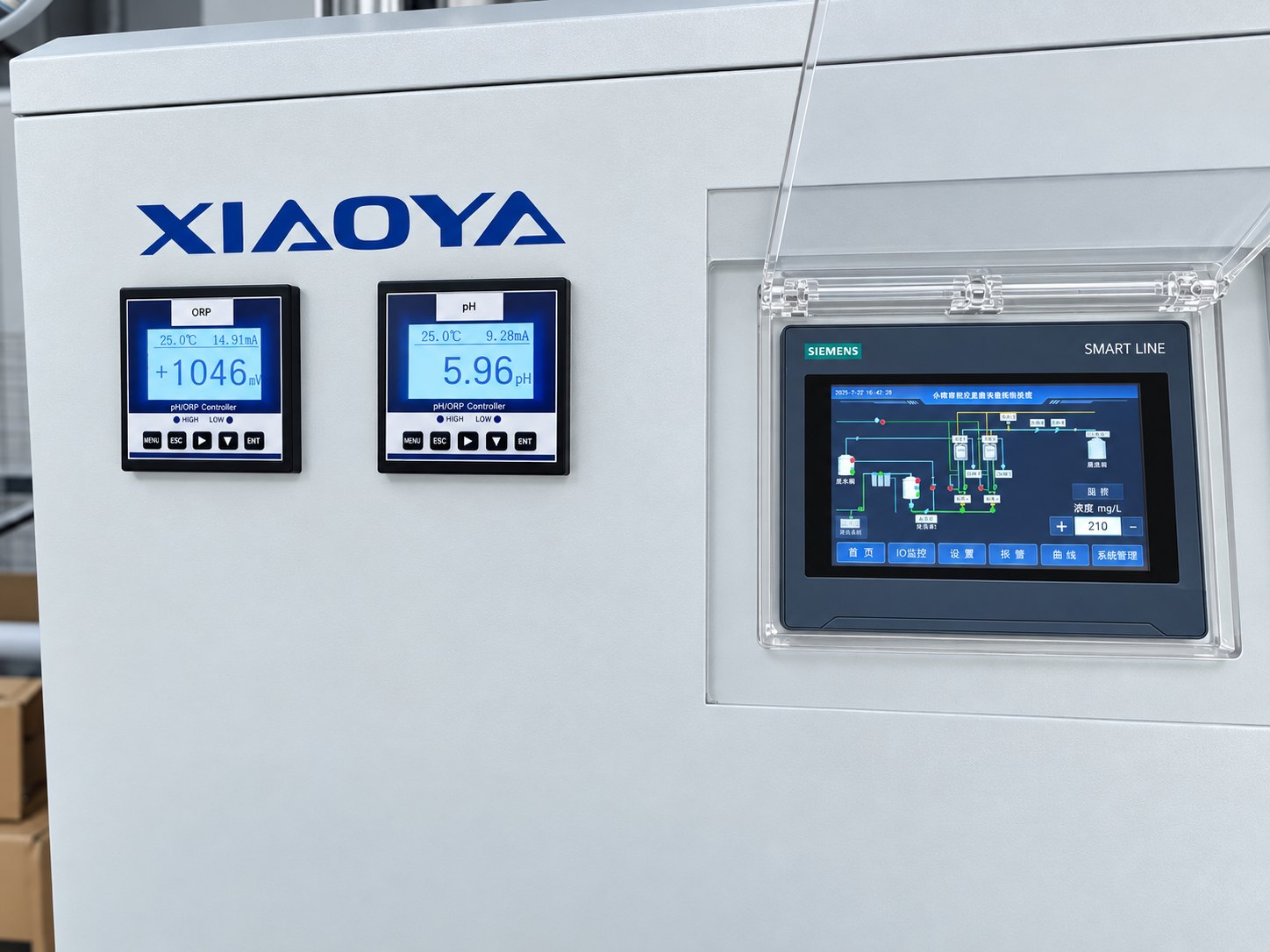
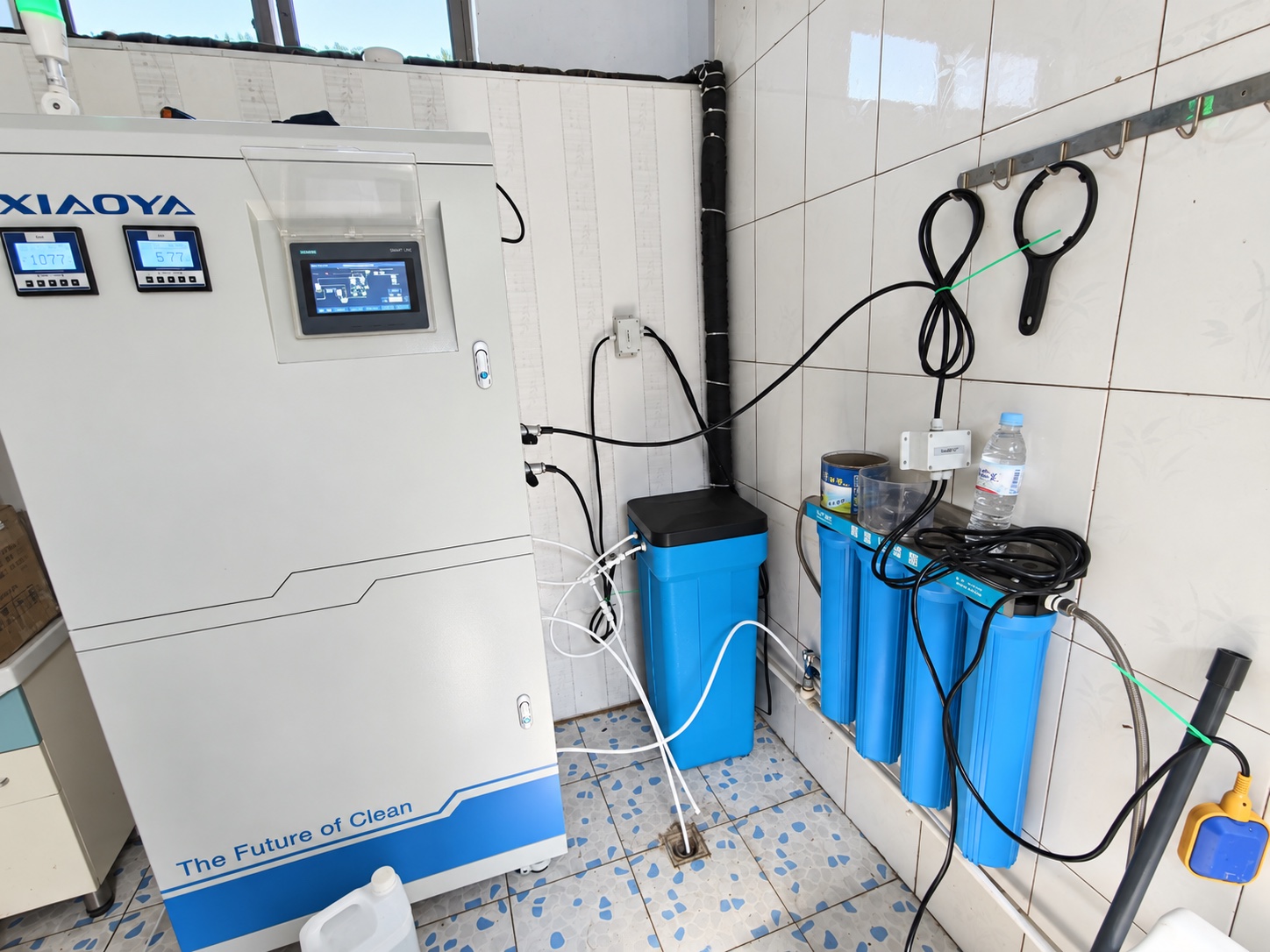
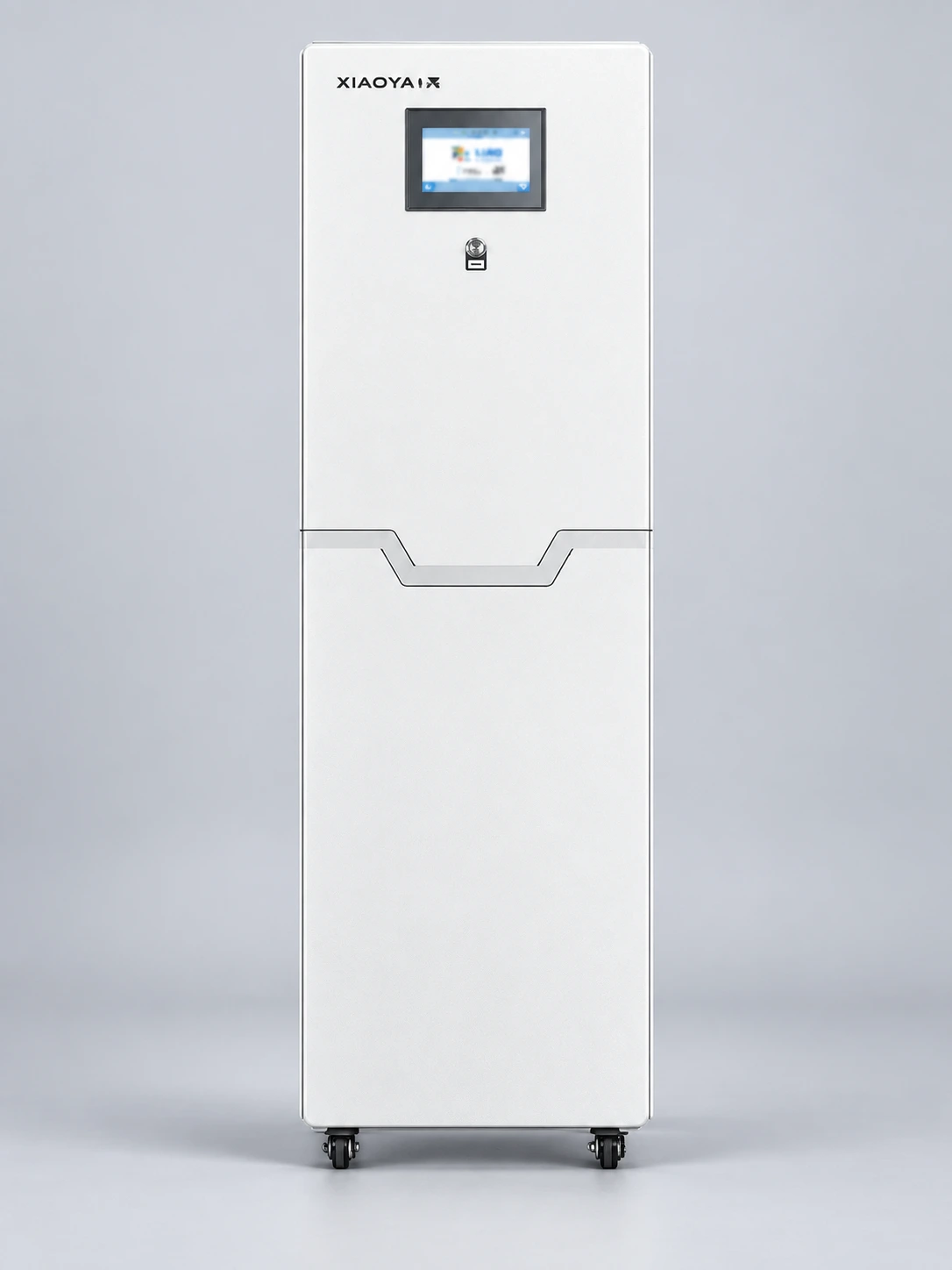
view of the control area on a cabinet from Xiaoya product material, with a blank screen

CHOOSE A STARTING POINT

What are you noticing?

No start or no production

The unit will not start, or no solution is being produced.

Information to include

Record whether the unit is stopped, paused or attempting to run. Keep the full display message and the time the issue first occurred. Describe any recent operating or maintenance changes.

Keep in mind

Use the instructions for your model. Do not bypass an interlock or open an electrical cabinet to investigate.

Prepare a technical support request Back to symptoms ↑

Output flow has changed

Production is lower, intermittent or different from the usual operating pattern.

Information to include

Include available flow values and units, the operating period and whether the change is continuous or intermittent. Note known changes to the inlet-water supply, demand or recent maintenance.

Keep in mind

Compare records taken under similar operating conditions. A change in flow alone does not identify a failed component.

Review inlet-water requirements Back to symptoms ↑

Outlet readings differ

A measured result differs from the range specified for your operation.

Information to include

Include the result and unit, sampling location and time, and measurement method. State the expected range and its source, such as your operating procedure or agreed specification.

Keep in mind

Share comparable earlier results if available. ORP alone does not establish available chlorine concentration or identify a fault.

Understand pH, FAC and ORP Back to symptoms ↑

Readings change after storage

The result at the tank or use point differs from the generator outlet.

Information to include

Identify each sampling point and time. Include available outlet and downstream results, the measurement method, approximate storage time and known changes in use or storage conditions.

Keep in mind

Separate generation from storage and distribution in your description. Do not assume a downstream change means the generator is faulty.

Review output and storage stability Back to symptoms ↑

An alarm keeps returning

The same message appears again, or several alarms occur in sequence.

Information to include

Keep the exact message or code visible in a full-screen photo. Note the time, sequence, equipment state and any recent servicing or setting changes.

Keep in mind

Follow the instructions for your equipment. Do not repeatedly reset an unresolved alarm; ask Xiaoya for model-specific guidance.

Prepare a technical support request Back to symptoms ↑

Monitoring is unavailable

Remote readings or the monitoring connection are no longer available.

Information to include

Describe what the local display shows and what is missing remotely. Note when the connection changed and any known network or access changes. Preserve available records.

Keep in mind

Remote visibility and local operation are different observations. Data access depends on the installed module and connectivity; do not change control or security settings without authorization.

Review monitoring and integration Back to symptoms ↑
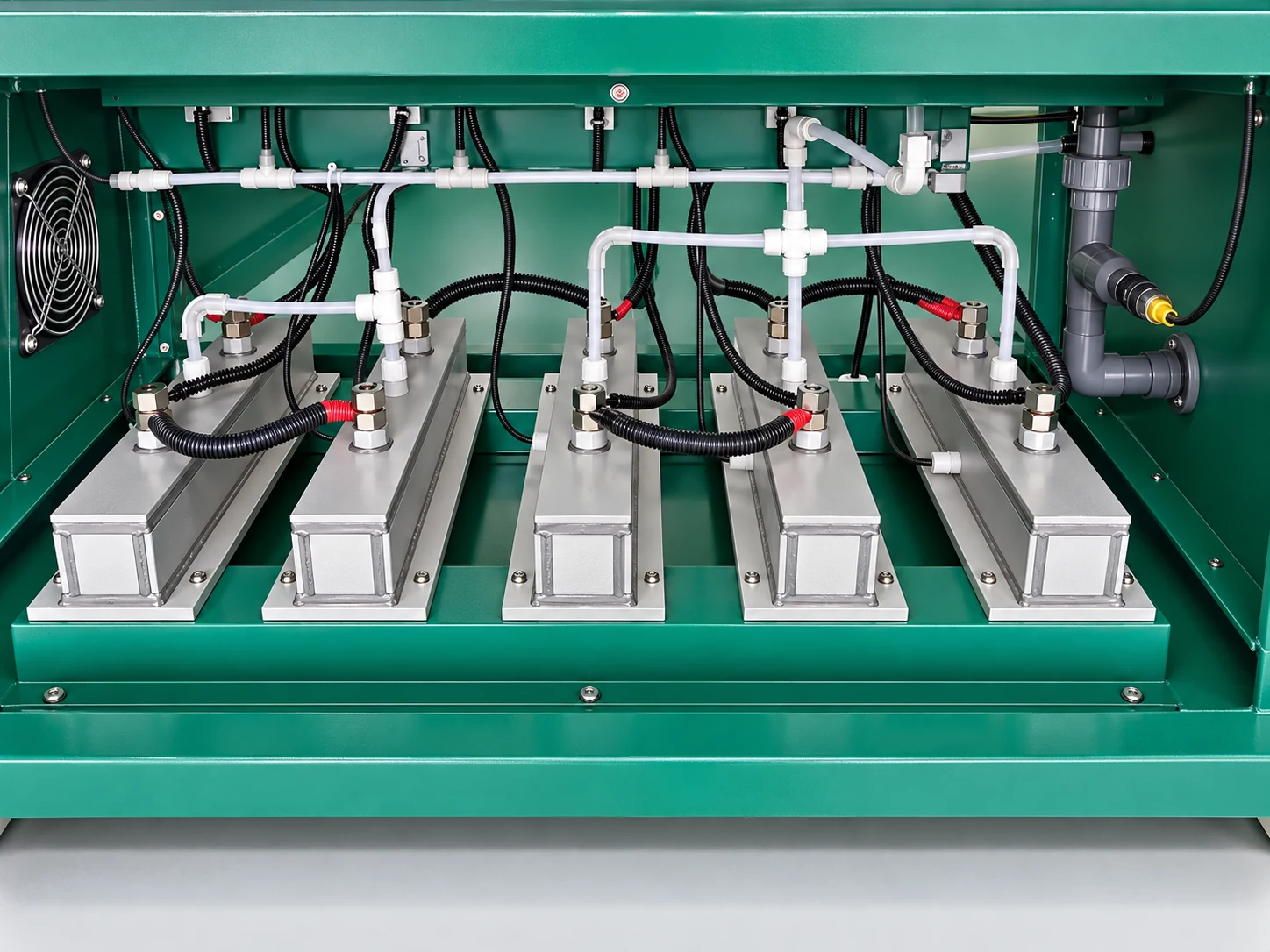
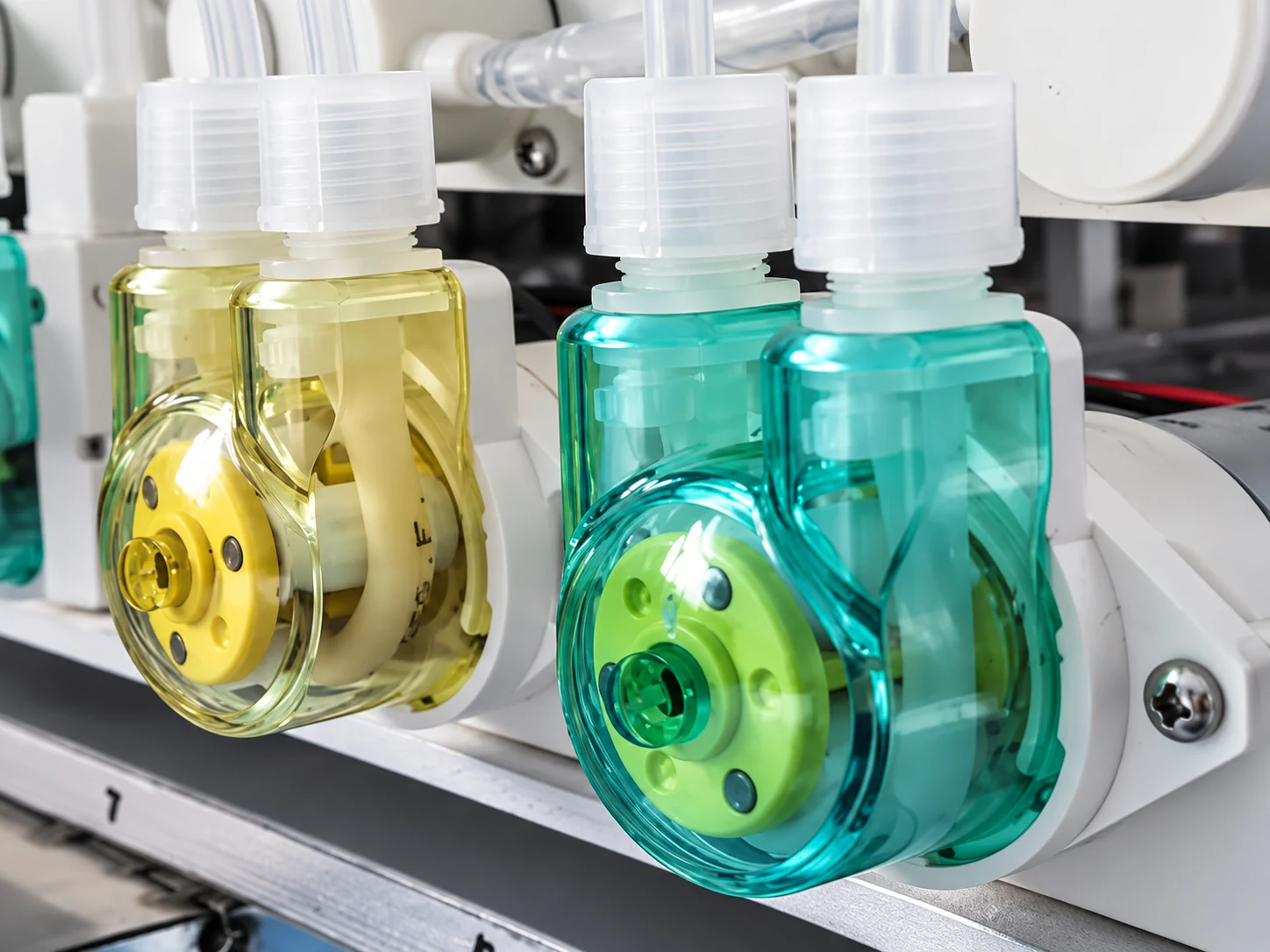
visualization of pump housings based on Xiaoya's supplied component photograph

SHOW THE PART IN CONTEXT

A close-up helps.
The wider view matters too.

When a visible component is relevant, include its position on your equipment as well as a clear detail photo.

  1. Keep the location visibleShow where the part sits. Similar-looking parts may serve different functions.
  2. Preserve the original detailKeep accessible labels and markings readable. Send your own unedited photographs for identification.
  3. Add the operating contextDescribe the symptom and when it began. Include the full screen message if available.

Only photograph safely accessible areas. Do not remove covers or dismantle equipment to complete a service request.

Prepare your equipment information

MAKE A READING USEFUL

A number needs its context.

If you already have a measurement, keep these details together.

  1. ResultValue + unit
  2. LocationOutlet, tank or use point
  3. TimeSampling date + time
  4. MethodHow it was measured

An active safety concern comes first.

CONTINUE WITH XIAOYA

Bring the observations.
Let’s review the equipment context.

Share the model if known, the symptom and the records available. The service request helps organize those details.

Prepare a service request